MiniMax H3: A Practical Look at Unified AI Video Generation for Design and Branding
AI video generation has been moving quickly, but many tools still focus on one main input type. Some are built mainly for text prompts, others start from images, and some work around audio or voice. MiniMax H3 is interesting because it brings these input types together in one model.
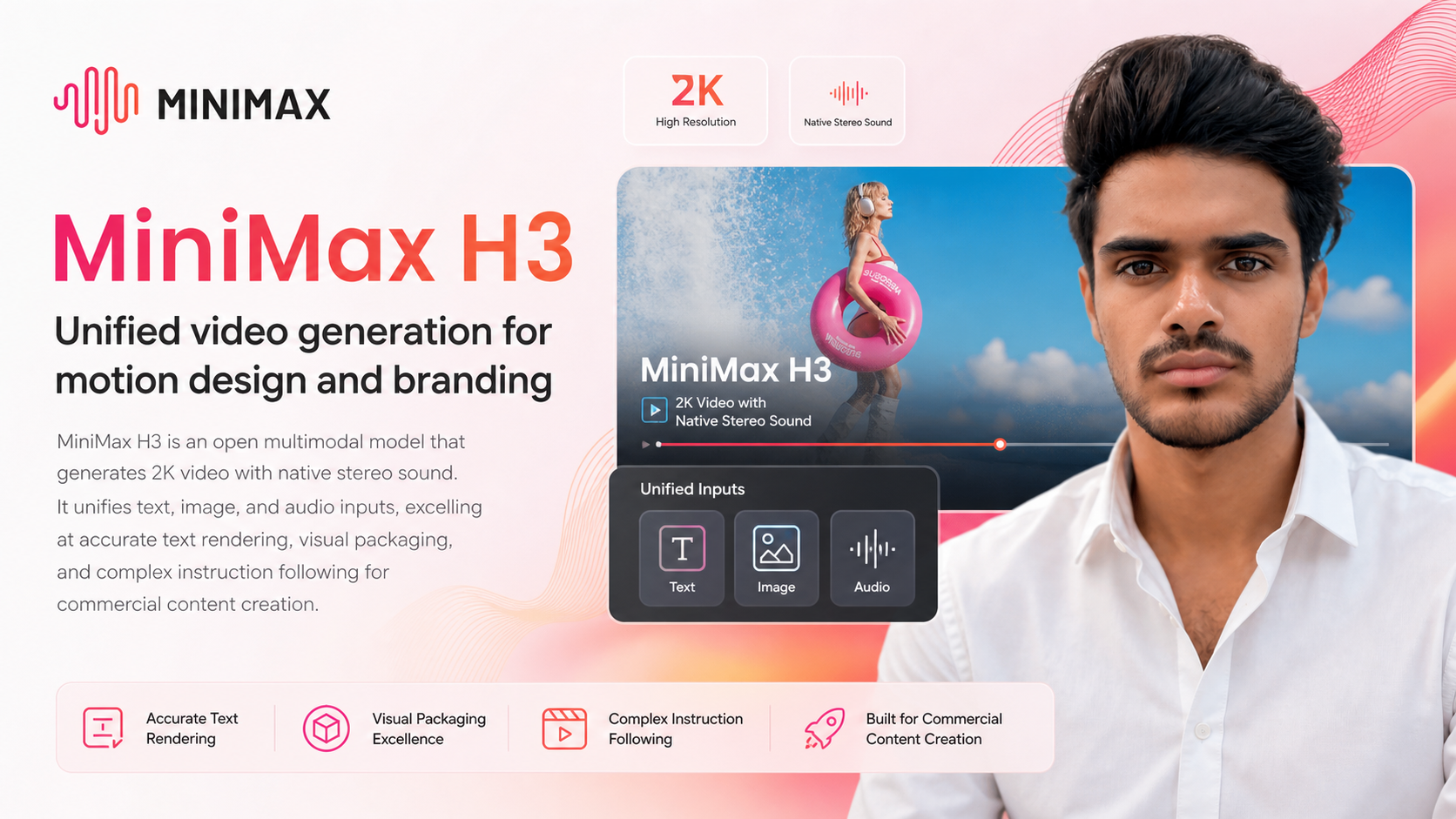
MiniMax H3 is described as an open multimodal model for generating 2K video with native stereo sound. It is built to work with text, image, and audio inputs, making it relevant for people who create visual content, motion design, product visuals, brand assets, and other commercial media.
The platform can be explored through the MiniMax website: https://www.minimax.io/
What Is MiniMax H3?
MiniMax H3 is a multimodal AI video generation model. In simple terms, that means it can understand and use more than one type of input. Instead of relying only on written prompts, it can work across text, images, and audio to generate video content.
The model is positioned around a few core capabilities:
- Generating video in 2K resolution
- Creating video with native stereo sound
- Using text, image, and audio inputs together
- Handling detailed instructions
- Rendering text accurately inside video
- Supporting visual packaging and branding-oriented content
This makes it different from simpler video generation tools that may be better suited for short experimental clips but less focused on structured commercial outputs.
Why Multimodal Input Matters
One of the main ideas behind MiniMax H3 is input flexibility. In creative work, a single prompt is often not enough. A brand video, product animation, or motion design concept may need a written direction, a visual reference, and an audio cue to feel complete.
For example, a creator may want to provide:
- A text prompt describing the scene, style, movement, and pacing
- An image reference for product design, visual identity, or layout
- An audio file or sound direction to influence rhythm and mood
By combining these inputs, a multimodal model can provide a more complete way to guide the generated result. This does not remove the need for clear direction, but it gives users more ways to communicate what they want the model to create.
2K Video Generation
MiniMax H3 supports 2K video generation. Resolution matters in video production because sharper output can be more useful for editing, presentation, and brand-related use cases. While resolution alone does not determine the quality of a video, it does affect how usable the generated footage may be in professional workflows.
For personal creative exploration, lower-resolution video may be enough. For commercial concepts, mockups, social media campaigns, packaging visuals, or client-facing drafts, having higher-resolution output can make a noticeable difference.
It is still important to remember that AI-generated video may require review, refinement, and sometimes post-production work. A model can generate the base video, but creators may still need editing tools for trimming, compositing, color correction, subtitles, or final delivery formatting.
Native Stereo Sound
Another notable part of MiniMax H3 is native stereo sound. Many AI video systems focus mainly on visuals and leave audio as a separate step. MiniMax H3 is designed to generate video with stereo audio included.
This can be useful because audio is a major part of how motion content feels. Even simple brand videos often depend on sound design, background rhythm, effects, or spatial audio cues. Native stereo sound may help make generated clips feel more complete from the start.
For people working on motion design or branded content, this can reduce the gap between a silent visual draft and a more finished concept. However, final audio mixing may still be needed depending on the purpose of the video.
Accurate Text Rendering
Text rendering has been a common challenge in AI image and video generation. Models can often produce attractive visuals, but they may struggle with readable words, brand names, labels, packaging text, or on-screen titles.
MiniMax H3 is described as excelling at accurate text rendering. This is especially relevant for branding and commercial content, where text is not just decoration. A product name, slogan, label, headline, or callout must be readable and correctly placed.
Some content types where text rendering can matter include:
- Product packaging videos
- Brand identity animations
- Promotional title cards
- App or website mockup videos
- Retail or advertising visuals
- Social media product clips
Accurate text rendering can make AI-generated video more practical for real-world creative work, especially when the video needs to include brand language or product details.
Visual Packaging and Branding Use Cases
MiniMax H3 is also described as being strong in visual packaging. This makes sense in the context of branding, where the goal is often to present a product, label, container, logo, or design system in a polished visual environment.
Packaging visuals are not just about showing an object. They usually involve layout, lighting, camera movement, material appearance, background style, and text placement. A model that can follow detailed instructions and handle visual references can be useful for creating these kinds of concepts.
Possible branding-related uses may include:
- Generating early-stage visual concepts for product launches
- Creating motion mockups for packaging ideas
- Exploring different visual directions for a campaign
- Producing short branded clips for review or presentation
- Testing how text, product visuals, and motion work together
These types of outputs can be helpful in the planning and concept stage, where teams often need to explore multiple directions before committing to production.
Complex Instruction Following
Another important capability of MiniMax H3 is complex instruction following. This refers to the model’s ability to understand more detailed prompts instead of only simple one-line requests.
In creative workflows, instructions can become specific very quickly. A user might describe the camera angle, motion speed, object placement, lighting style, background, text behavior, and audio feel. If a model cannot follow these details, the output may look visually interesting but miss the intended purpose.
Complex instruction following is especially useful when creating commercial content because the final result often has requirements. The video may need to match a brand direction, include certain text, maintain a product’s appearance, or follow a specific structure.
Who Might Find MiniMax H3 Useful?
MiniMax H3 is most relevant for people who are exploring AI-assisted video creation, especially where visuals, branding, and motion design overlap. It may be useful to understand for:
- Motion designers exploring AI-generated video concepts
- Brand designers working with packaging and identity visuals
- Content creators producing short visual clips
- Marketing teams developing early campaign concepts
- Product teams creating visual mockups or launch materials
- Creative professionals testing multimodal AI workflows
It is also relevant for people who want to understand where AI video generation is heading. The combination of text, image, audio, video, and sound points toward more integrated content creation tools.
Things to Keep in Mind
As with any AI generation platform, MiniMax H3 should be understood as a tool within a larger creative process. Generated video may still need human review, editing, and quality control. This is especially important for professional or commercial use, where accuracy, brand consistency, and legal clearance can matter.
Users should also be careful when working with logos, copyrighted assets, product claims, or brand materials. Even when a model can generate polished content, it is still the user’s responsibility to check whether the output is appropriate for its intended use.
Final Thoughts
MiniMax H3 is a unified multimodal video generation model focused on 2K video, native stereo sound, text rendering, visual packaging, and complex instruction following. Its main value lies in combining several creative inputs into one video generation workflow.
For people interested in motion design, branding, and commercial content creation, it is worth knowing about because it reflects a broader shift in AI tools: moving from simple prompt-based generation toward more controlled, multimodal creative systems.
You can learn more about the platform on the MiniMax website: https://www.minimax.io/