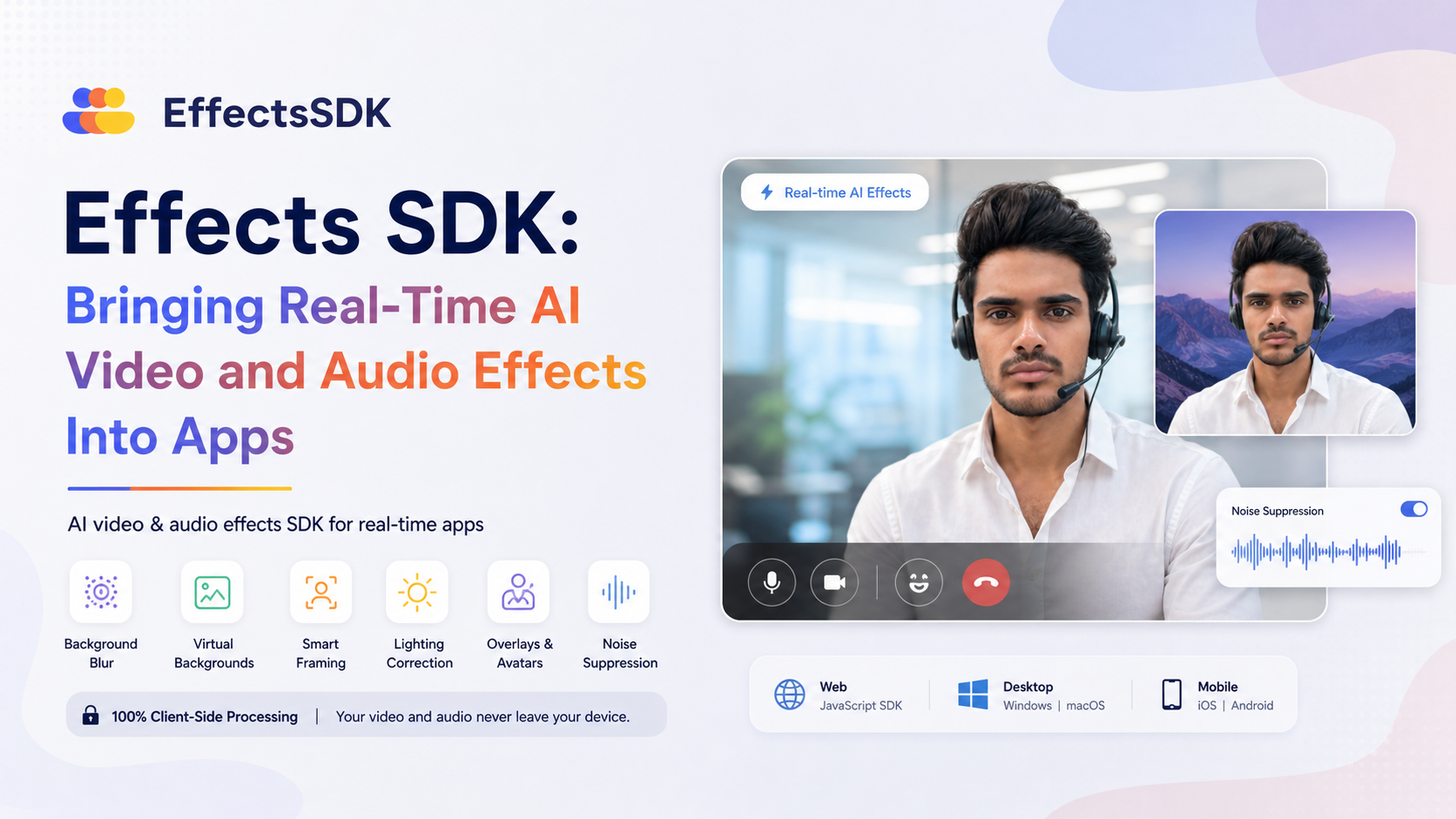
Effects SDK: Bringing Real-Time AI Video and Audio Effects Into Apps
Video and audio quality have become an important part of many digital products. Meetings, livestreams, online classrooms, telehealth platforms, creator tools, social apps, and customer support systems all depend on real-time communication in some form. In these environments, users often expect features such as background blur, noise reduction, lighting adjustment, and virtual backgrounds to work smoothly without extra setup.
Effects SDK is built for developers who want to add these kinds of AI video and audio effects to their own applications. It is an SDK for real-time apps, with support for web, desktop, and mobile use cases. The platform focuses on production-ready effects that run client-side, meaning video and audio processing happens on the user’s device rather than being sent to the platform’s servers for processing.
The website is available at https://effectssdk.ai.
What Is Effects SDK?
Effects SDK is an AI video and audio effects software development kit. Its purpose is to help developers integrate real-time media enhancements into apps without building those effects from scratch.
Instead of a standalone editing tool for end users, it is aimed at product teams and developers working on applications where live video or audio is part of the experience. This could include communication platforms, video conferencing tools, virtual event products, streaming apps, learning platforms, or any app where camera and microphone quality matter.
The SDK includes effects for both video and audio. On the video side, it supports features such as background blur, virtual backgrounds, smart framing, lighting correction, beautification, overlays, and avatars. On the audio side, it includes real-time noise suppression.
Core Features
Effects SDK covers several common needs in real-time communication and media apps. The features are designed to be integrated directly into an application, so users can access them as part of the product experience.
Background Blur
Background blur is one of the most familiar video effects in modern communication apps. It helps reduce visual distractions by keeping the person in focus while softening the background. This can be useful in work-from-home settings, online classes, interviews, or any situation where the surrounding environment should be less visible.
Virtual Backgrounds
Virtual backgrounds allow users to replace their real environment with an image or other background. This feature is commonly used in meetings and events, but it can also be useful in branded experiences, creator tools, or social video products.
Smart Framing
Smart framing helps keep a person properly positioned in the video frame. In real-time apps, this can make video calls or recordings feel more consistent, especially when users move slightly or are not centered in front of the camera.
Lighting Correction
Lighting conditions are not always ideal. Some users join calls from dim rooms, backlit spaces, or uneven lighting environments. Lighting correction is intended to improve visibility in these cases by adjusting the appearance of the video feed.
Beautification
Beautification effects are often used in social video, live streaming, and camera-focused apps. Effects SDK includes beautification as one of its supported video features, allowing developers to add appearance-enhancing options where they fit the product experience.
Overlays and Avatars
The SDK also supports overlays and avatars. Overlays can be useful for branding, visual labels, interface effects, or interactive video elements. Avatars can support more expressive or privacy-conscious video experiences, depending on how they are used within an app.
Real-Time Noise Suppression
Audio quality is just as important as video quality in real-time communication. Background noise such as typing, traffic, fans, or household sounds can make conversations harder to follow. Effects SDK includes real-time noise suppression to help reduce unwanted sounds during live audio sessions.
Client-Side Processing
One of the notable parts of Effects SDK is that the effects run client-side. In simple terms, the processing happens on the user’s own device. Video and audio are not sent to the platform’s servers for these effects.
This matters for several reasons. First, real-time media can involve sensitive personal or professional conversations. Keeping processing on the device can help reduce unnecessary media transfer. Second, client-side processing can help with responsiveness because effects are applied locally during the live session. Third, it can simplify certain privacy expectations for applications where users care about where their camera and microphone data goes.
At the same time, client-side processing means the user’s device plays an important role in performance. Different devices may have different processing capabilities, especially across mobile phones, laptops, and desktops. For developers, this is usually an important part of testing any real-time video or audio feature.
Where Effects SDK Can Fit
Effects SDK is not limited to one category of product. It can be relevant anywhere real-time video or audio is a core part of the user experience. Some possible application areas include:
- Video conferencing platforms that need background blur, virtual backgrounds, or noise suppression.
- Online education tools where teachers and students join live video sessions from different environments.
- Telehealth platforms where clear video and audio can improve communication between patients and professionals.
- Livestreaming and creator apps that use overlays, beautification, avatars, or background effects.
- Remote work tools where users need cleaner video and audio during daily collaboration.
- Customer support apps that include live video assistance or voice communication.
- Social video apps where interactive camera effects are part of the product experience.
In each of these cases, the goal is not only to make video look better, but also to make the communication experience more practical and less distracting.
Why Developers Use SDKs for Media Effects
Building real-time video and audio effects from the ground up can be complex. Developers need to think about camera access, microphone input, performance, device compatibility, AI models, rendering, latency, and user interface controls. When the product needs to work across web, desktop, and mobile environments, the complexity can increase further.
An SDK helps by packaging these capabilities into tools that can be added to an existing app. Instead of developing every effect internally, teams can integrate prebuilt functionality and focus on how those effects fit into the product.
For teams building real-time apps, this can be useful when they need features that users already recognize from modern communication platforms. Background blur and noise suppression, for example, are now common expectations in many professional video tools.
Important Integration Considerations
For any SDK that handles real-time video and audio, integration planning is important. Developers usually need to consider the platforms they support, the devices their users rely on, and how effects will be exposed in the interface.
Some practical areas to think about include:
- Platform support: Effects SDK is positioned for web, desktop, and mobile apps, so teams should match the SDK’s capabilities with their own product targets.
- User controls: Effects such as blur, virtual backgrounds, beautification, and noise suppression often need simple on/off controls or adjustable settings.
- Performance testing: Real-time effects should be tested across different devices and network conditions, especially for apps with a broad user base.
- Privacy communication: Since the effects run client-side, apps may want to explain how media is processed in a clear way for users.
- Design consistency: Overlays, avatars, and visual effects should match the overall style and purpose of the product.
A Platform for Modern Real-Time Experiences
Effects SDK reflects a broader shift in how video and audio features are becoming standard parts of digital products. Users are no longer only looking for basic camera and microphone access. They often expect tools that help them manage their environment, reduce distractions, and communicate more clearly.
By offering AI-powered video and audio effects for real-time applications, Effects SDK gives developers a way to add features such as background blur, virtual backgrounds, smart framing, lighting correction, beautification, overlays, avatars, and noise suppression into their own apps. Its client-side approach is also an important part of how the platform is designed, especially for products that want real-time processing without sending video or audio to the platform’s servers.
For anyone exploring tools in this space, the platform can be found at https://effectssdk.ai.